
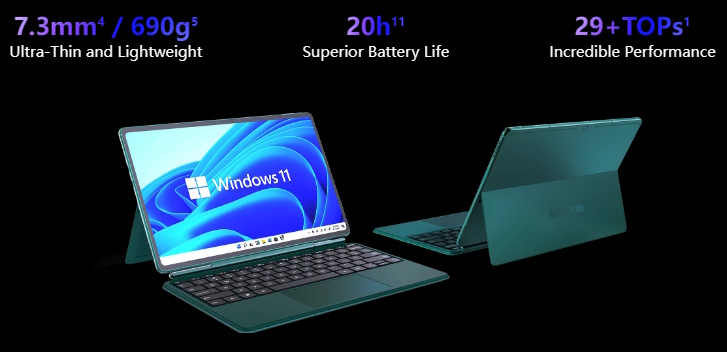
I’ve had the Robo and Kala Windows tablet for a few years now and it has been one of the greatest travel companion devices I’ve ever owned. Unfortunately for that company, it didn’t quite shake up the world like they had hoped, and the company appears to have disappeared. Along with their website.
Unfortunately, that means so did the downloads they had put on their website. Luckily for you, I’ve experienced this sort of “loss” once before. That’s why, a few years ago, I decided to download the necessary files and re-upload them to Archive.org. In the event you needed to fully wipe-and-reload your tablet, it being a Windows on Arm device, you can’t just download a standard Windows ISO for x86/x64 Windows and run through it like normal. And even though Microsoft has started to make ISOs available for newer versions of Windows, if you just want to know you can download and install an image that has everything you need to make the Robo & Kala work, this download will have you covered. Download the Recovery Media for the Robo and Kala tablet here. The instructions are on the page; just FYI: it frequently talks about “U Disks” by which it means “USB” drives.
One more thing: the Robo and Kala tablet is a Snapdragon 8cx Gen 3 CPU with integrated Adreno graphics. The latest version of the graphics driver is 8.0 and it was released in 2024 and is currently available from Qualcomm’s website. If that link disappear, I have also archived every release of the drivers from 1.1 through 8.0, 2022 to 2024.